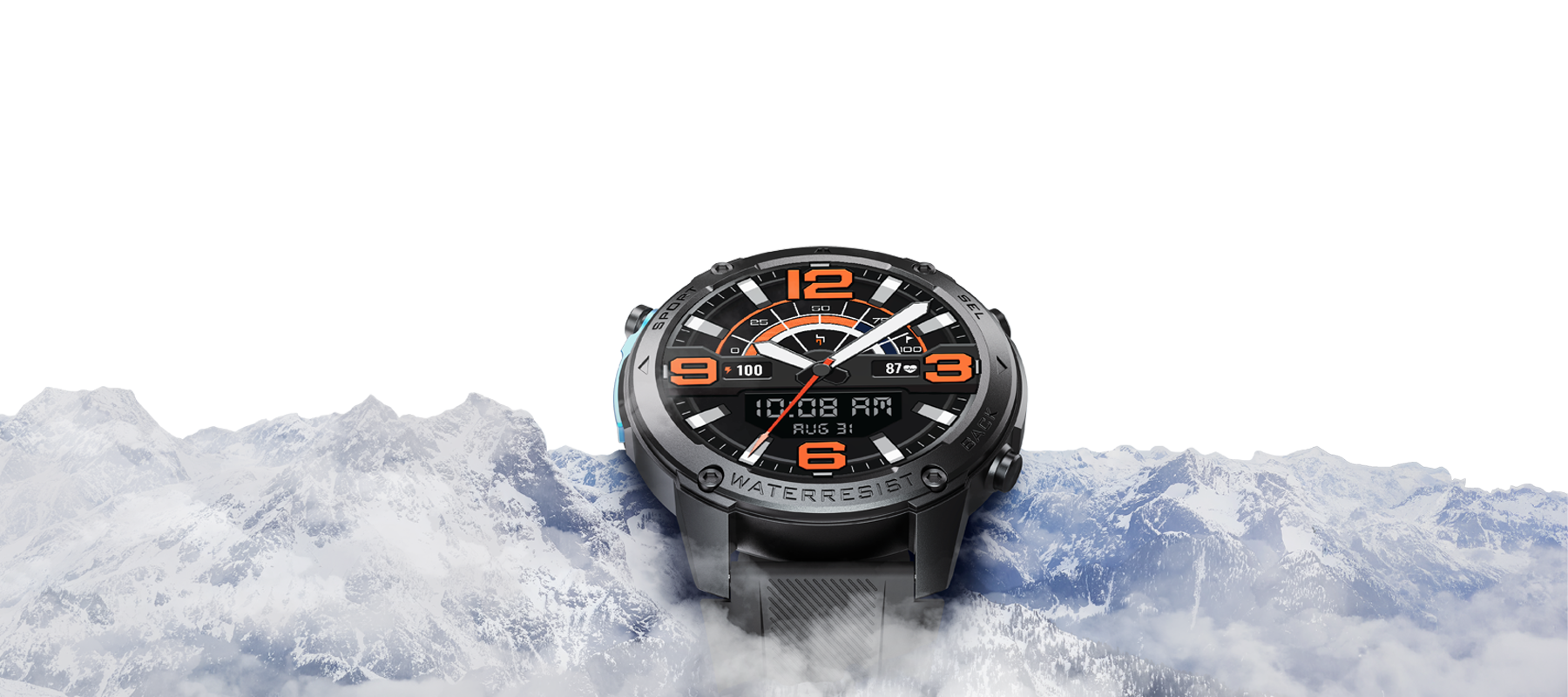
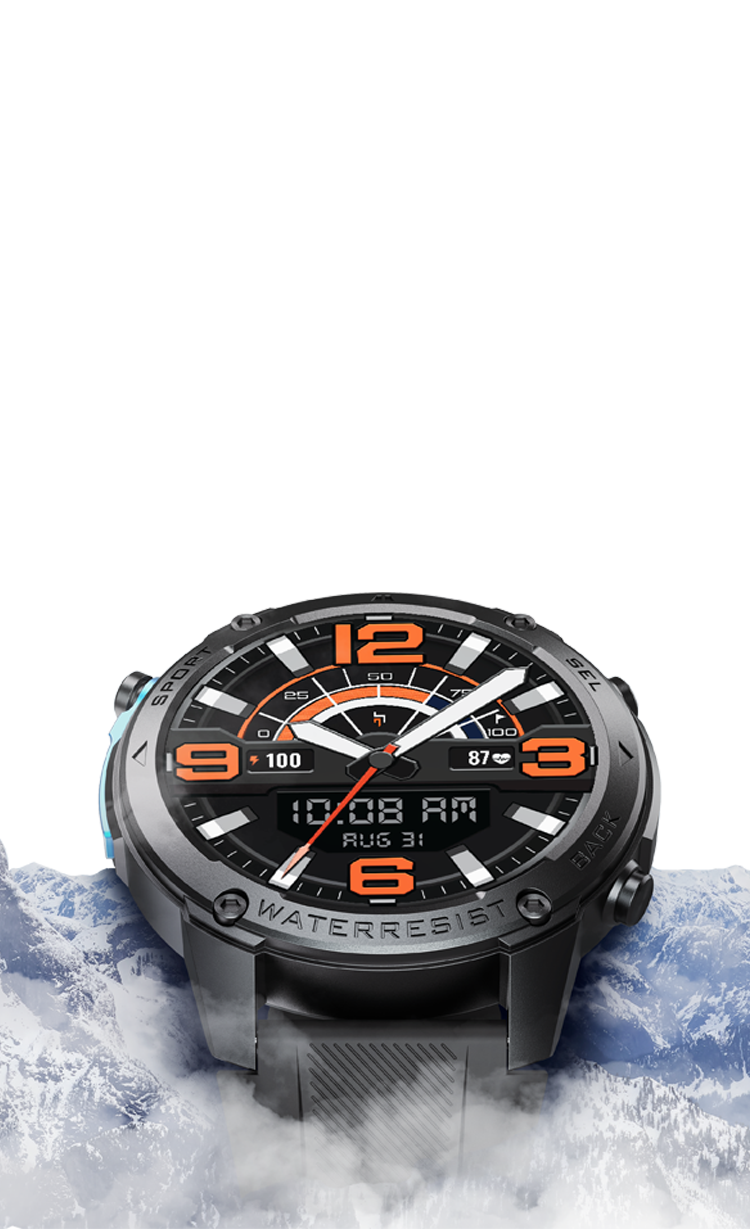
YOUR WATCH
KNOWS WHEN
YOU START.
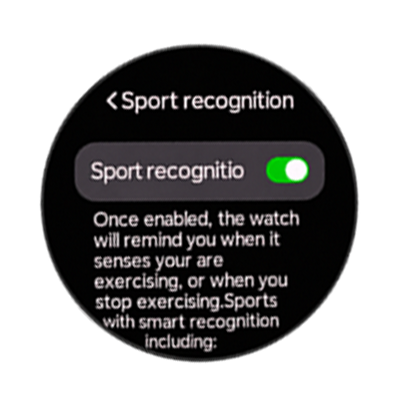
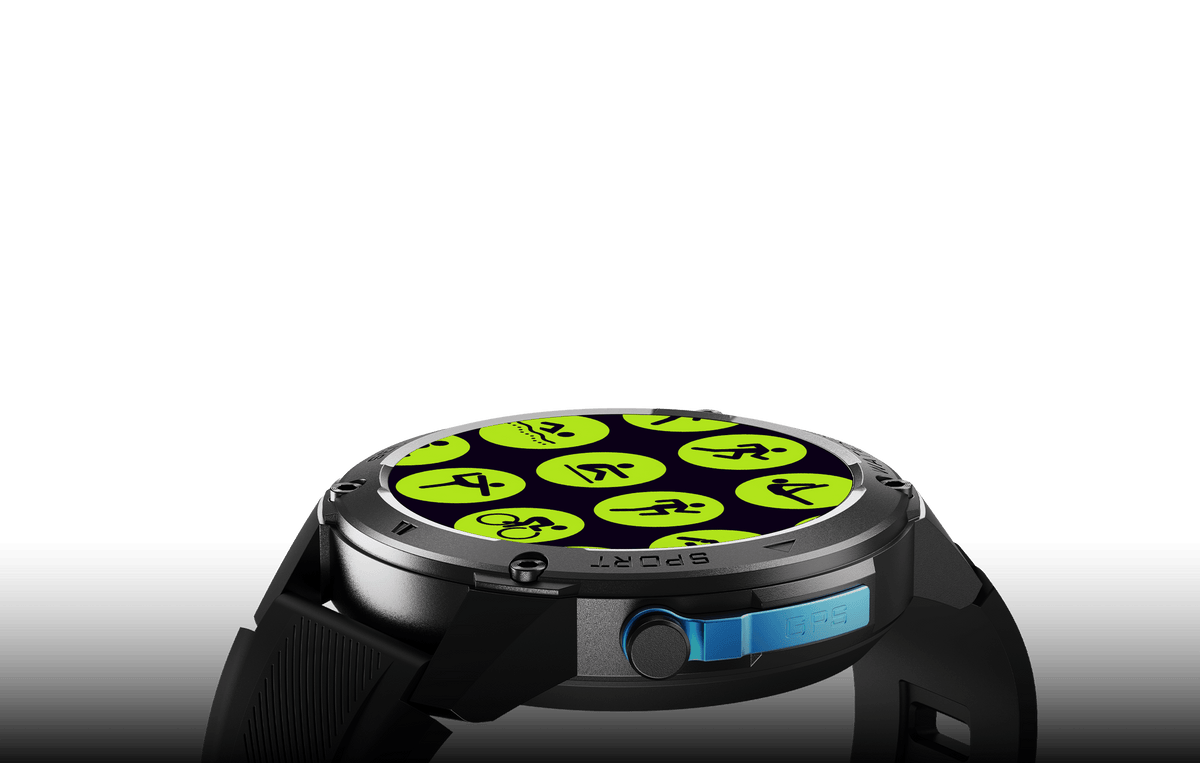
Forget selecting workout modes. Armour Summit intelligently recognizes movement so you can focus on the journey.
C
Skip to content
Services and benefits


Every journey begins with one decision.
Keep going.


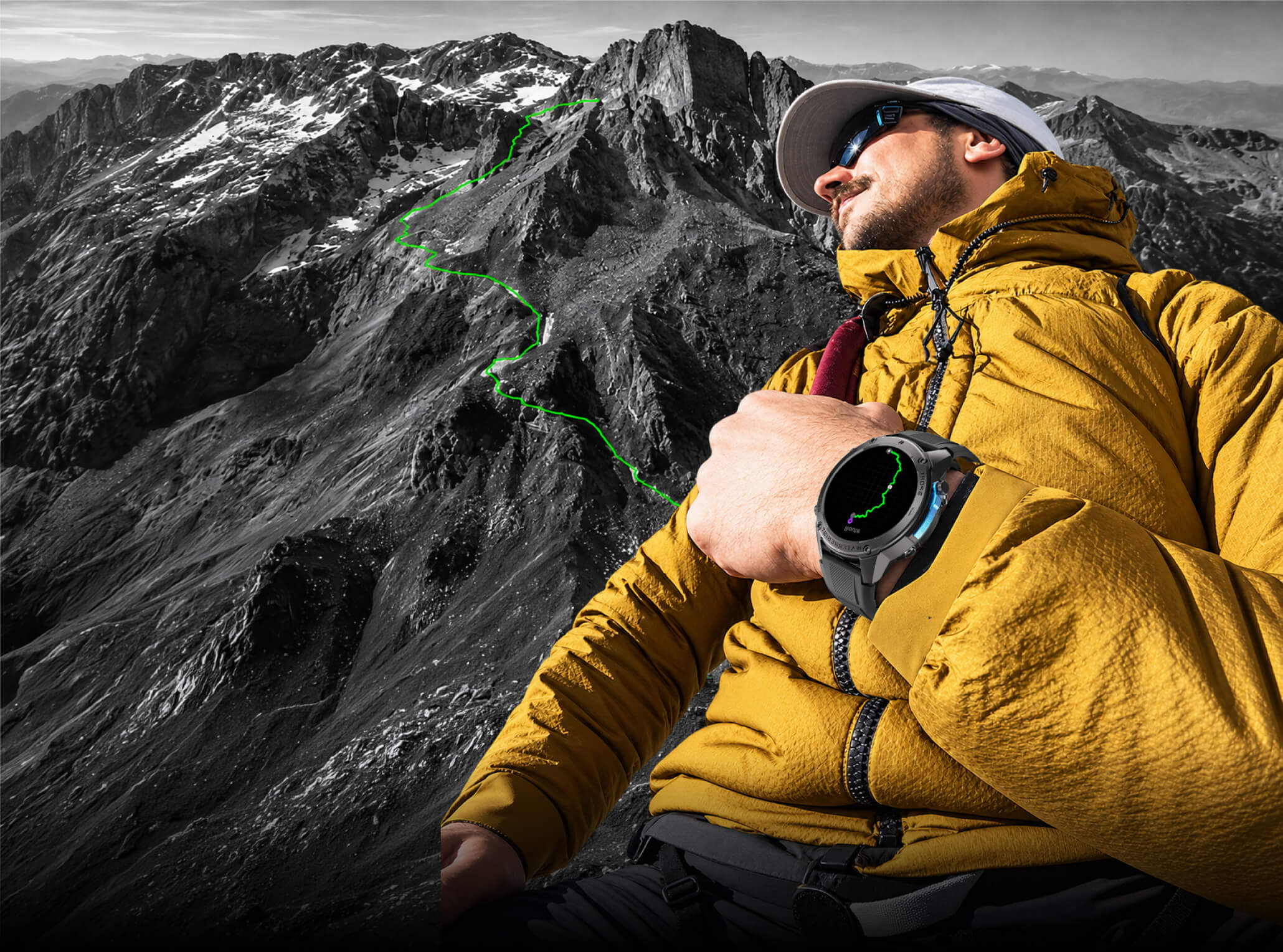
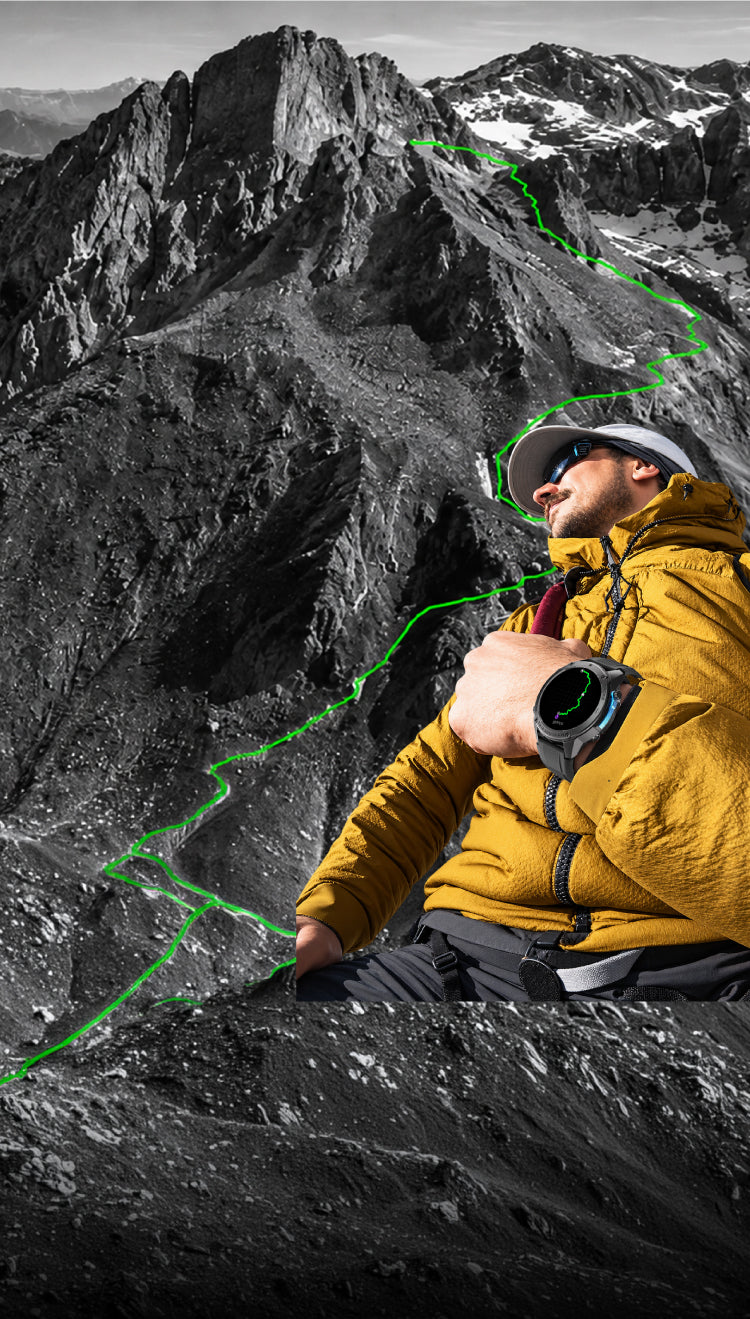
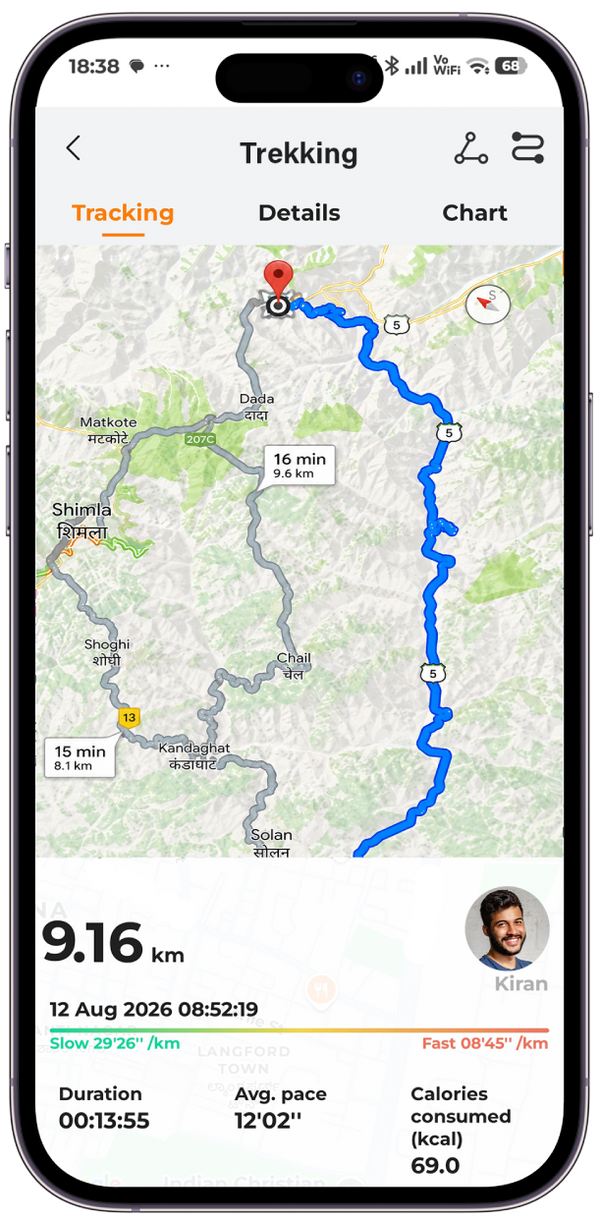
Dual-band GPS and multi-satellite positioning precisely track your journey,saving the complete route to your map in the app.



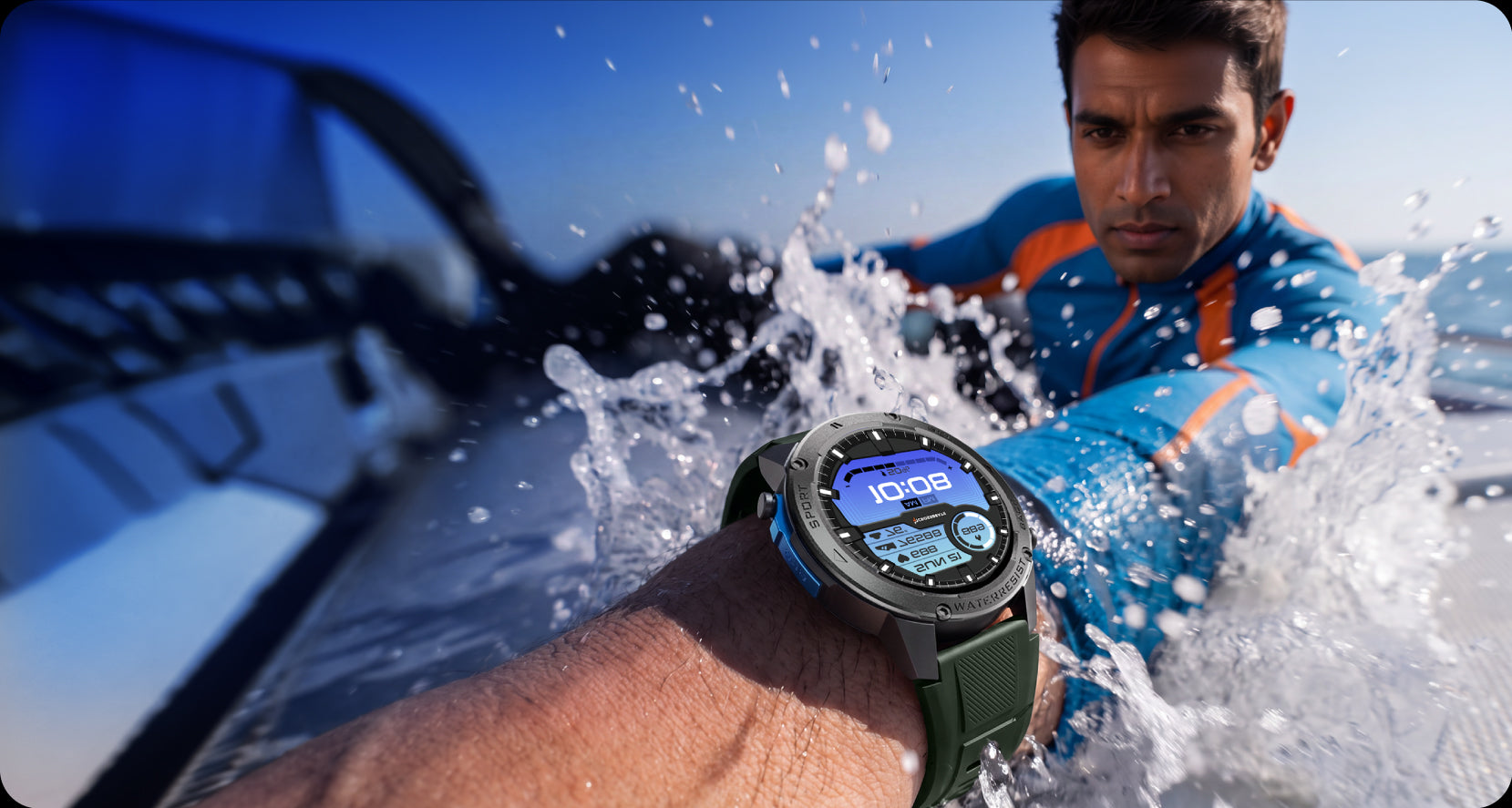
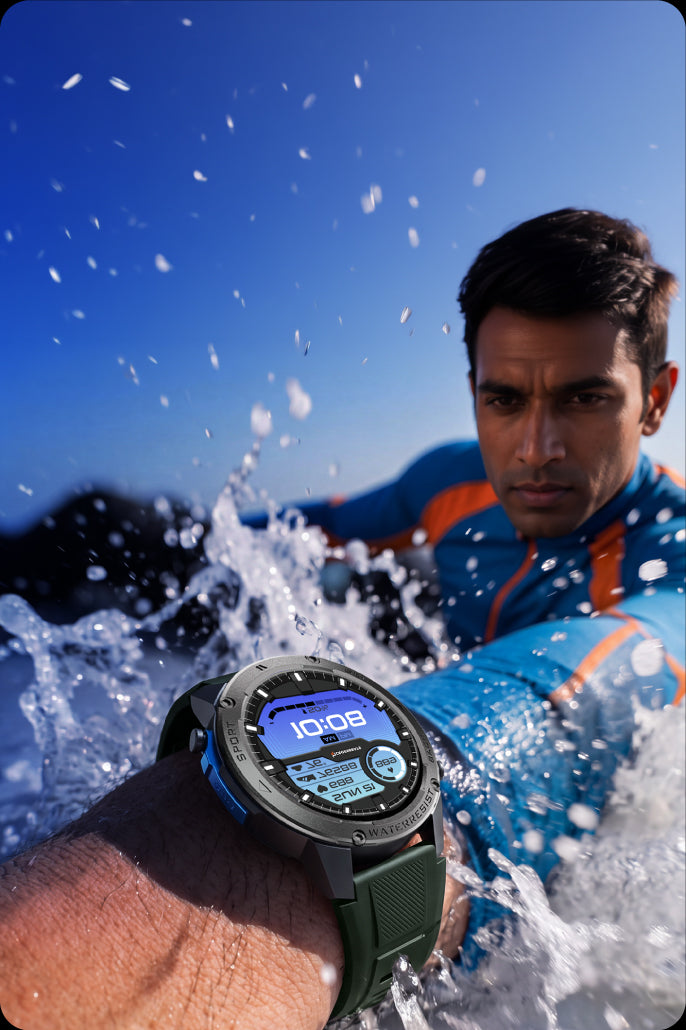
Built to perform from the pool to open water. Designed for every stroke, every lap, every finish.


Forget selecting workout modes. Armour Summit intelligently recognizes movement so you can focus on the journey.


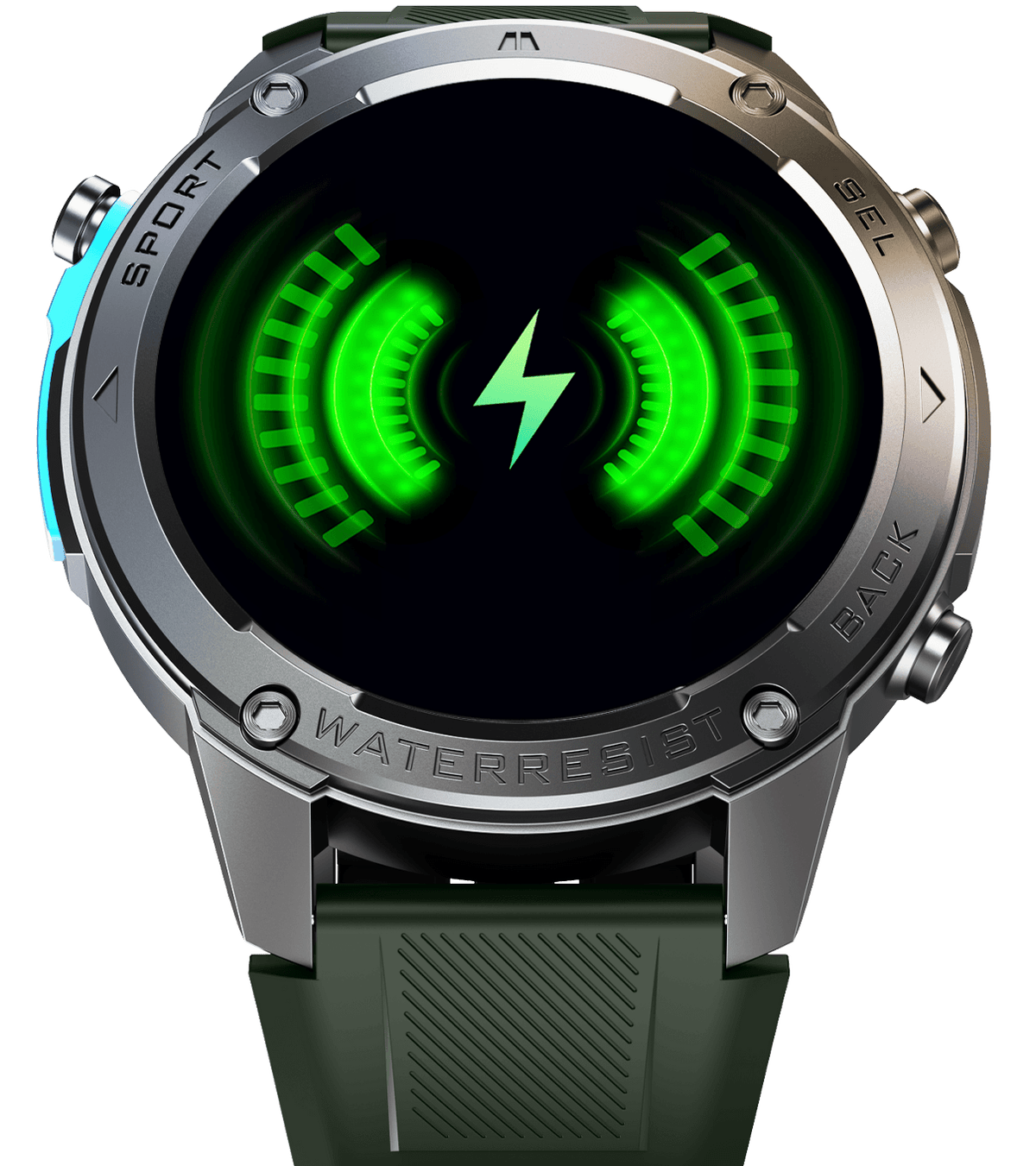
Multi-day battery performance means fewer charging stops and more time outdoors.


The rest is just preparation.
Display, Performance & Durability
Smart Features, Battery & Connectivity
Frequently Asked
Questions
Getting Started
How do I turn on my Armour Summit?
Before using the watch for the first time, charge it for approximately one hour. Then, press and hold the power button to turn it on.
How do I connect my Armour Summit to my phone?
Download the CB-Smartfit Pro app and turn on Bluetooth on both your phone and watch. Open the app and search for available devices or scan the QR code displayed on the watch. Select CB-Armour Summit and allow the required pairing permissions.
About the Product
Is Armour Summit suitable for swimming?
Yes. Armour Summit features 5ATM water resistance and is suitable for swimming. Avoid hot showers, saunas, diving, and exposure to high-pressure water.
Does Armour Summit support Always-On Display?
Yes. Armour Summit supports Always-On Display (AOD).
Does Armour Summit have built-in GPS?
Yes. Armour Summit supports built-in GPS for outdoor activity tracking. Please note that GPS usage can consume more battery than normal usage.
Battery & Charging
Can I use my Armour Summit while charging?
No. For safety and proper charging, avoid using the watch while it is connected to the charger.
Why is my battery draining faster than expected?
Features such as Always-On Display, continuous heart-rate monitoring, GPS, high screen brightness, frequent notifications, and Bluetooth calling can increase battery consumption.
How long does Armour Summit take to charge fully?
Armour Summit takes approximately 2–2.5 hours to charge fully.
App
How do I sync my health and activity data with the app?
Keep the watch connected to the CB-Smartfit Pro app via Bluetooth and open the app to sync your latest health and activity data.
Can I customize the watch face?
Yes. You can choose from the available watch faces or use your own image to create a customized watch face through the CB-Smartfit Pro app.
Can I receive app notifications on my Armour Summit?
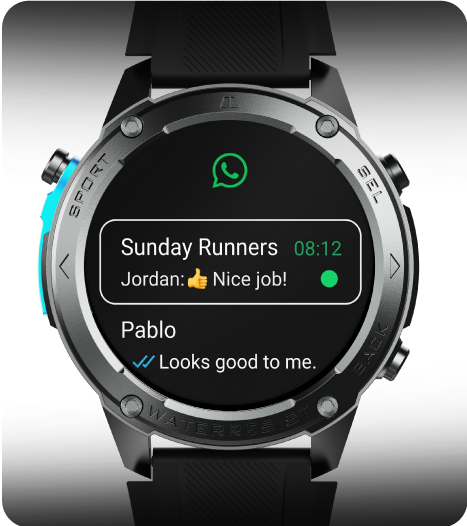
Yes. Enable notification access for the CB-Smartfit Pro app and select the apps from which you want to receive notifications.
Compatibility
Is Armour Summit compatible with both Android and iPhone?
Yes. Armour Summit is compatible with both Android and iOS smartphones.
Can Armour Summit be connected to multiple phones at the same time?
No. The watch can be actively connected to only one smartphone at a time.
What permissions are required for the CB-Smartfit Pro app?
The app requires permissions such as Bluetooth, Location, Notifications, and Storage to provide its full functionality.